
CREATING GALLERY QUALITY LANDSCAPE WALL ART
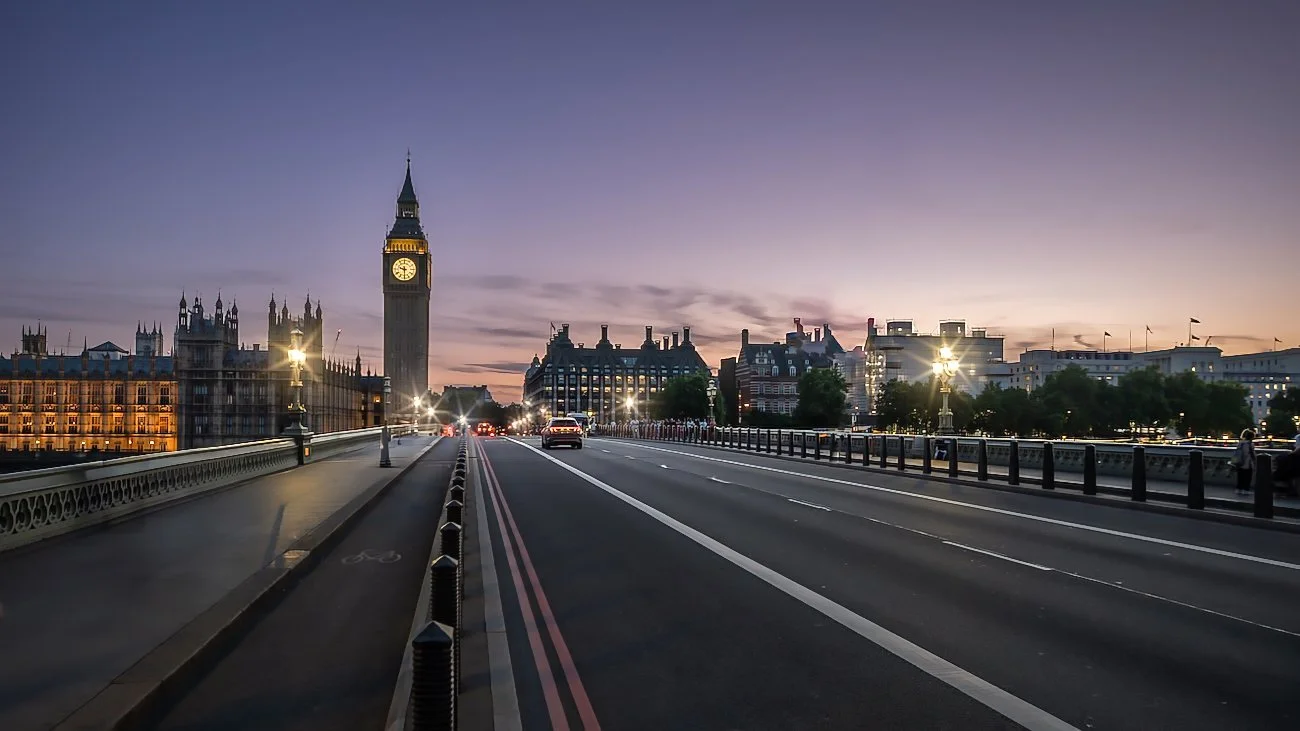
Creating ultra resolution Landscape Wall Art
Creating high-resolution landscape wall art through photo stitching of multi-row photographs is one of the most powerful techniques professional photographers use today to produce stunning, gallery-quality prints that can span several meters while revealing incredible detail—even down to individual rocks, distant trees, or cloud textures.
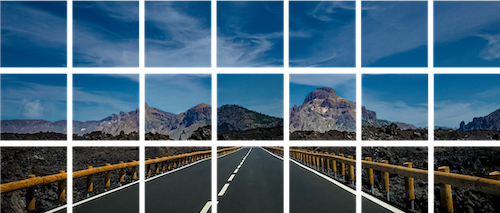
This method, often called multi-row panorama stitching or gigapixel photography, goes far beyond a simple horizontal panorama. Instead of capturing just one row of overlapping images, photographers shoot a grid of photos (multiple rows and columns), as beautifully illustrated in the grid pattern you shared. The result? Final images that can easily reach hundreds of megapixels to several gigapixels, perfect for massive wall art that looks sharp up close.
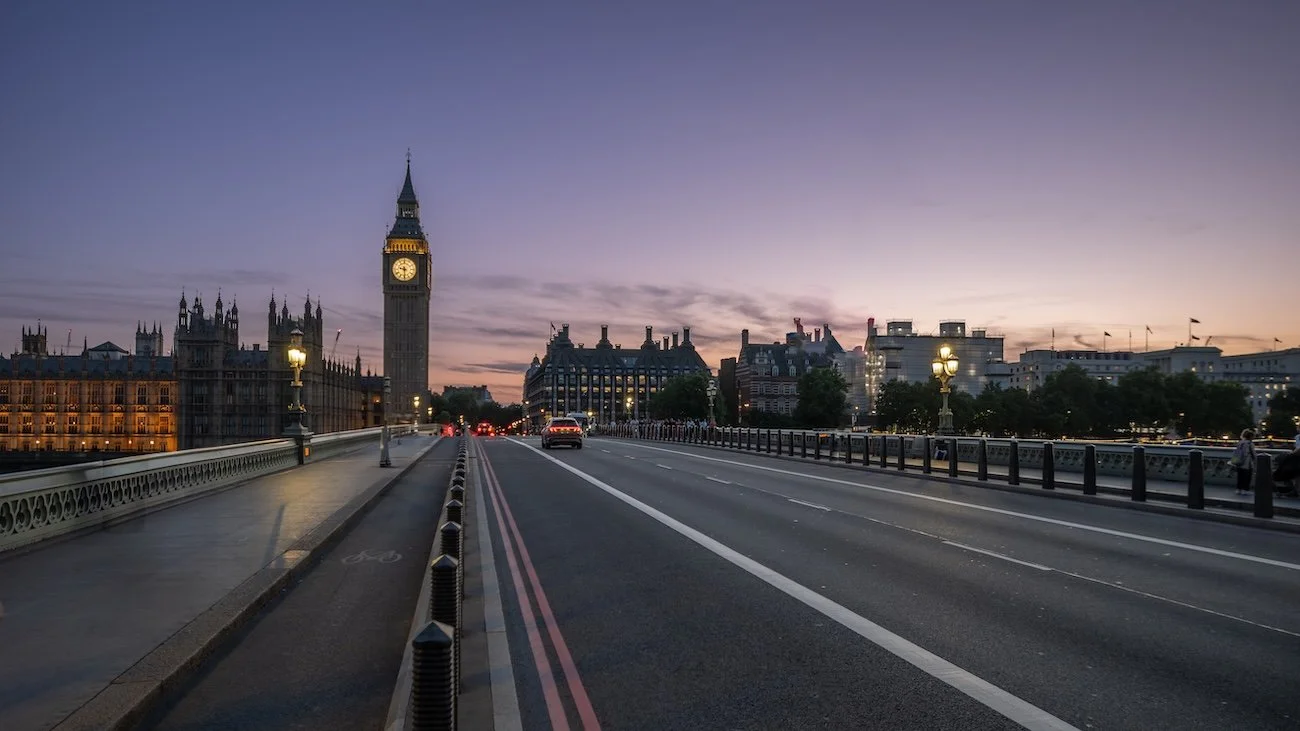
Planning and Shooting the Multi-Row Grid in the Field
The foundation of success lies in precise capture. Professionals use a sturdy tripod equipped with a special panoramic head (like a Nodal Ninja or custom gimbal rig) to eliminate parallax errors—the misalignment that occurs when the camera doesn't rotate around its nodal point (the no-parallax point of the lens).
We choose a longer focal length (often 70–300mm or more) rather than wide-angle lenses. This reduces distortion, improves corner sharpness, and allows for higher overall resolution when stitched.
The scene is captured as a grid (e.g., 3–5 rows × 7-10 columns), with 30–50% overlap between adjacent photos both horizontally and vertically. We often shoot in a zigzag or row-by-row pattern to keep the camera level.
Here’s a visual breakdown of how a grid looks before stitching:
Key shooting tips:
Manual exposure mode for consistent brightness across all frames
Low ISO, optimal aperture (f/8–f/11) for sharpness
Manual focus locked (or focus stacking in some cases)
Extra shots around the edges for safe cropping
Stitching the Images into a Gigapixel Masterpiece
Once back home (or in the field with a laptop), the dozens or hundreds of RAW files are imported into specialized stitching software. Popular professional choices include PTGui Pro, Photoshop's Photomerge, or Lightroom.
PTGui is especially favored for complex multi-row landscapes because it handles huge projects (gigapixel outputs) with excellent control over alignment, lens distortion correction, and blending.
The software automatically detects overlaps, warps the images to fit perfectly, and blends seams invisibly—even in tricky areas like clouds, trees, or lava fields like in your example. Advanced users fine-tune control points, choose projections (e.g., rectilinear for natural-looking landscapes), and export a massive TIFF or PSD file.
Post-Processing and Final Preparation for Wall Art
After stitching, the enormous file undergoes professional editing in Adobe Lightroom, Adobe Photoshop and Luminar NEO for large/high-quality prints.
Global adjustments (exposure, contrast, color grading)
Local enhancements (dodging/burning, sharpening)
Noise reduction and detail enhancement
We shoot/edit all our photography in RAW → master and archive them in TIFF (or DNG) in 16 bits for superior image quality → export to high-quality JPEG for printing.
For ultra-large prints, we use AI upscaling tools from Luminar Neo to push resolution even further while preserving or enhancing fine details. This boosts image quality even further .The result is breathtaking wall art that captures the grandeur of epic landscapes—like volcanic roads, mountain ranges, or coastal vistas—with museum-level detail.
Why This Technique Excels for Wall Art
A single high-end camera might deliver 50–100 megapixels, but multi-row stitching routinely produces 500+ megapixels. When printed at 300 DPI, these files support wall-sized art (e.g., 2×4 meters or larger) without losing sharpness—ideal for galleries, homes, or offices.